
INDEPENDENCE LAW FIRM
How to Sign In to Clio for Clients
A simple guide to accessing your secure client portal
Clio for Clients is our secure online portal for messages, documents, bills, and calendar items. You can use it from a web browser or the free Clio for Clients mobile app. You do not need to create or remember a password.
Look for the email from Independence Law through Clio
When we send you a new secure message, look for an email similar to the example below. The sender may appear as “Greg Lyle (via Clio.)” and the subject may say “1 New Message from Independence Law.”

Example of the Clio email you may see in your inbox
Choose how you would like to sign in
You can use Clio for Clients from a web browser or from the free mobile app.
Enter the same email address we use for you
Whether you sign in on the website or in the app, use the same email address where you receive messages from Independence Law Firm. Clio will then send a secure sign-in link to that email address.
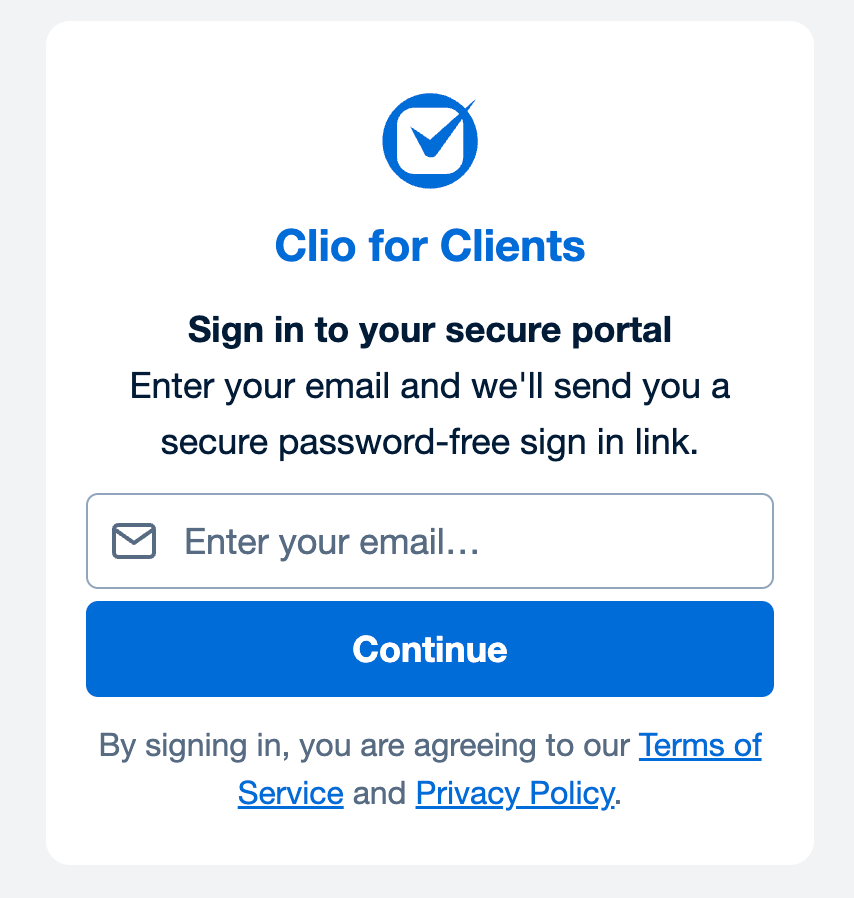
Clio sign-in screen
Open the secure sign-in email from Clio
Open the new email from Clio and click “Sign in to secure portal.” The secure sign-in link expires after one hour. If it expires, simply request a new one from the Clio for Clients website or app.
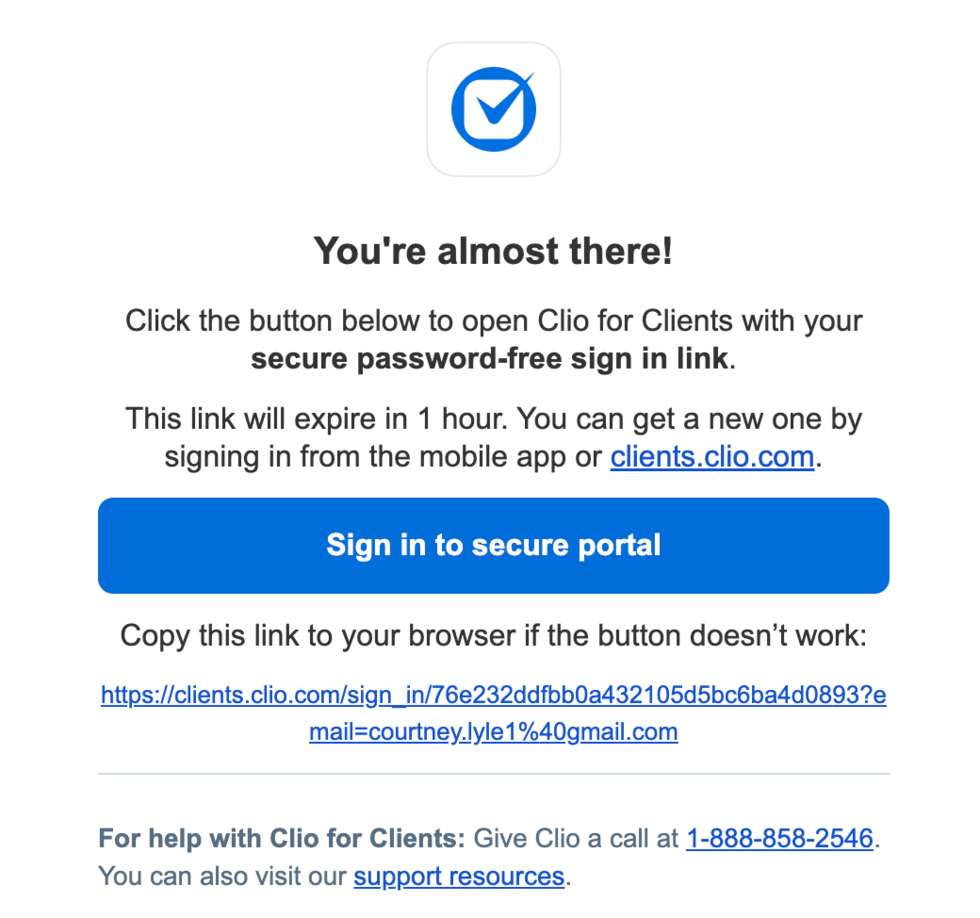
Example secure sign-in email from Clio
Use your secure client portal
After you click the secure sign-in button, your client portal will open. From here, you can read secure messages, view or send documents, review bills, and see calendar events shared by our office.
To sign in again later
Return to the Clio for Clients website or open the Clio for Clients app. Enter the same email address and follow the secure sign-in instructions Clio sends to your email. There is no password to remember.
Helpful tips
- Use the same email address that Independence Law Firm uses to contact you.
- If you do not see the Clio sign-in email, check your spam or junk folder.
- Secure sign-in links expire after one hour. If yours has expired, request a new one from the website or app.
- If you still cannot access the portal, please contact our office at (801) 613-7234.